
 Wrist Workout
Train with your own videos.
Turn your exercise clips into a session on iPhone, then follow it on your wrist.
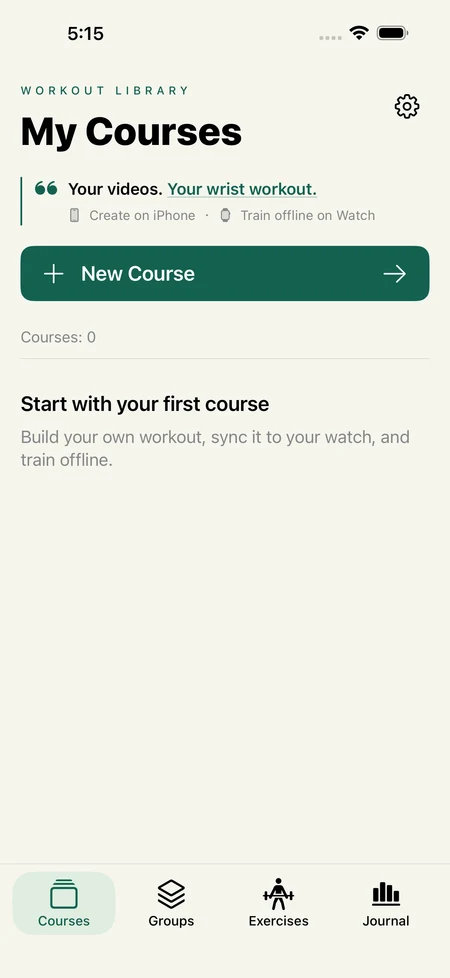
From a clip to a session
Clip your exercises
Import a video and trim it into individual movements.
Build a session
Arrange movements, rest periods and repeatable groups in your preferred order.
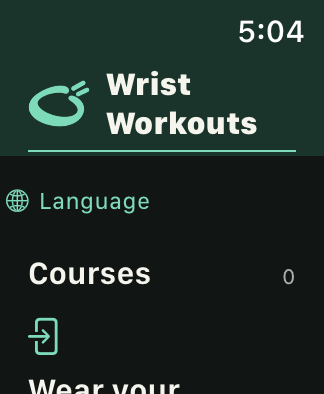
Take it to your watch
Sync the session before training. Once installed, follow the silent looping demonstrations offline.
Inside the iPhone session builder
Simplified Chinese development screenshots · select an image to enlarge
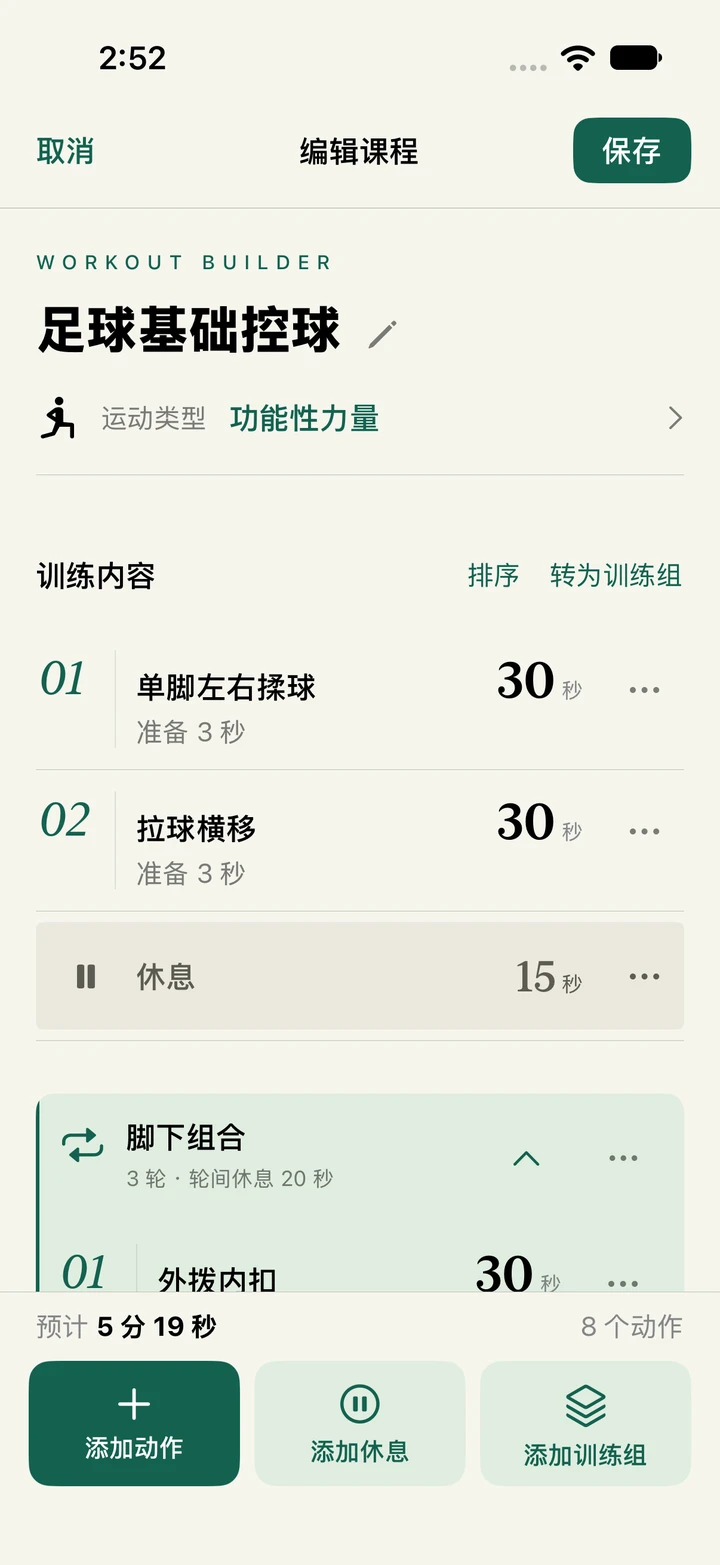
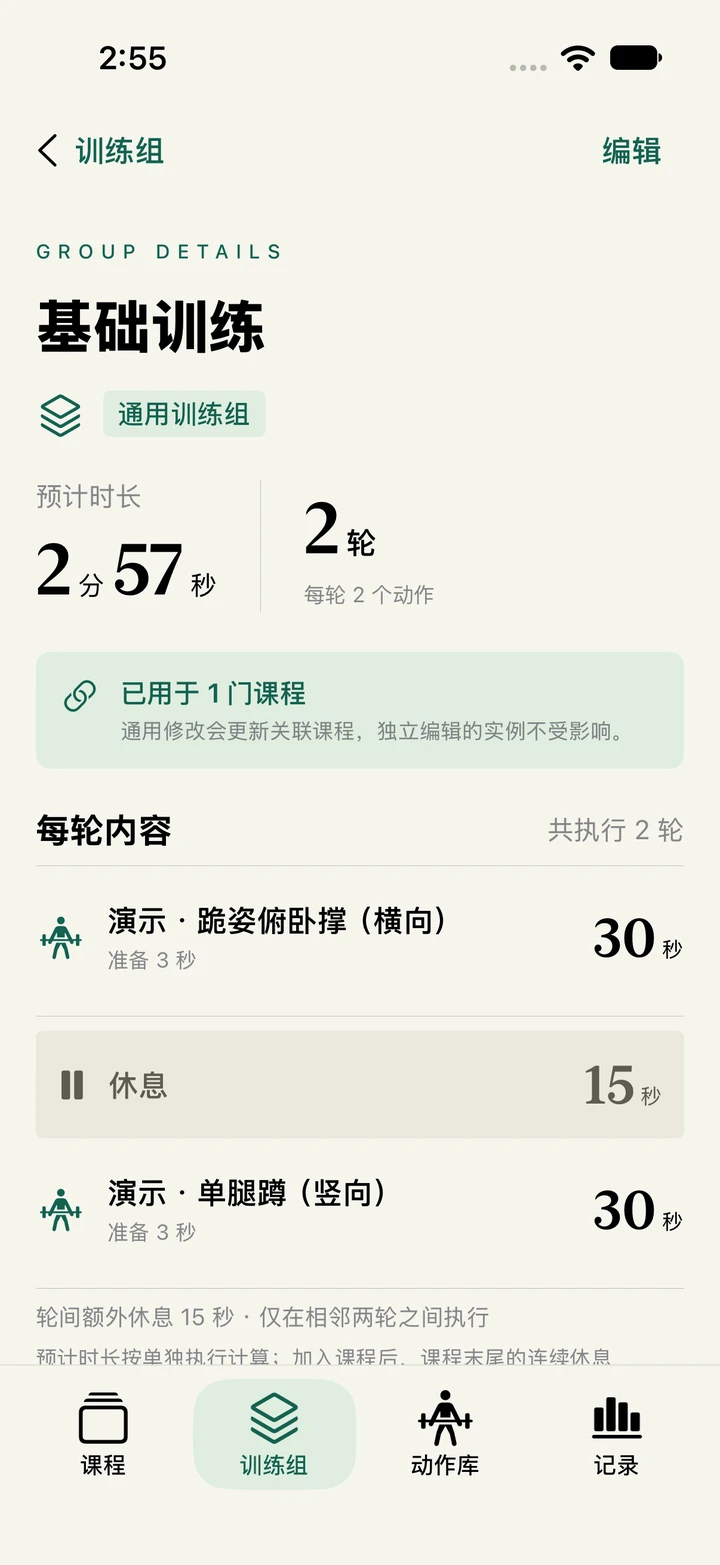
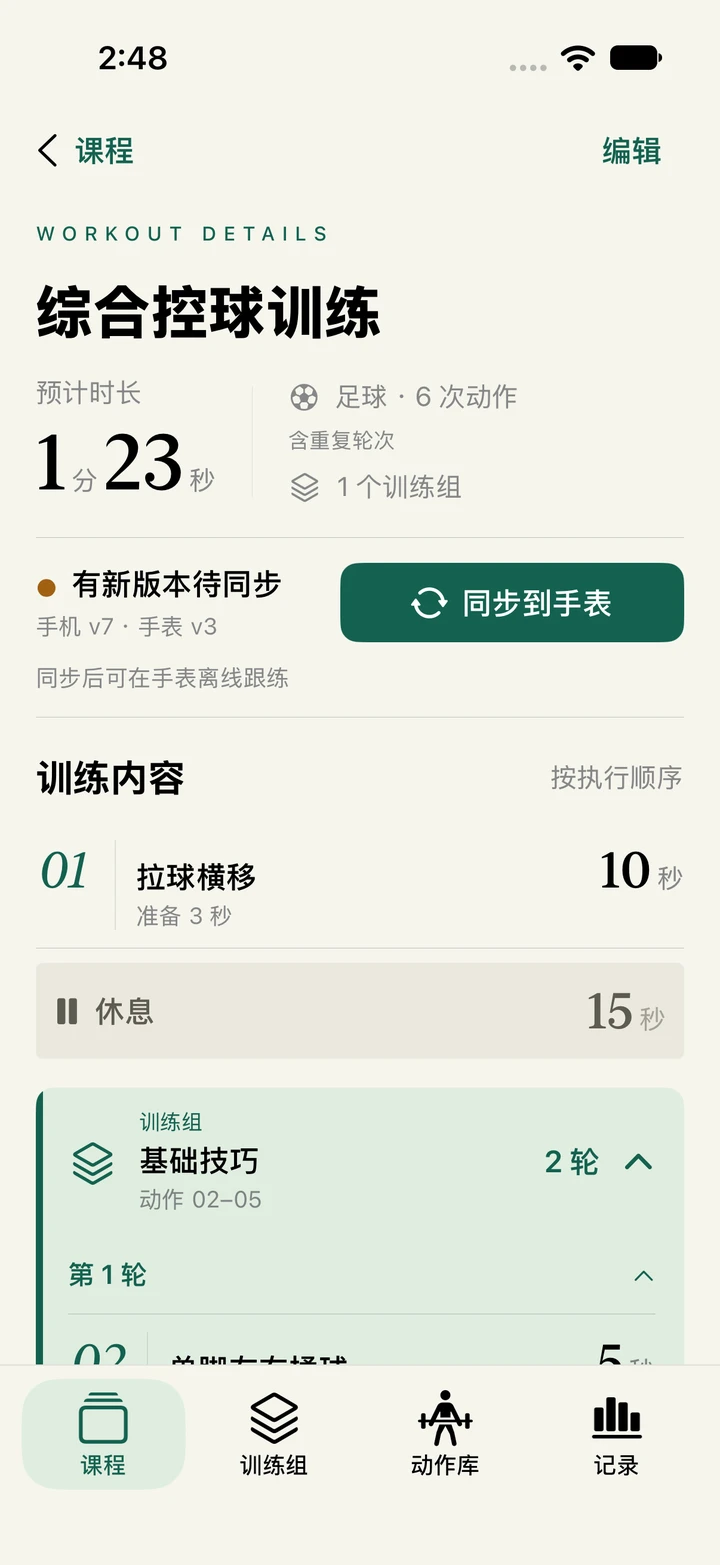
Example session
Pair two movements
Say you filmed a squat and a lunge. Trim each demonstration, then save the pair as a group you can use again in another session.
- Squat30 sec
- Rest15 sec
- Lunge30 sec
↻ Repeat for 3 rounds, with 45 seconds between rounds
A five-second squat clip can guide a thirty-second set. Your watch loops the silent demonstration for the training time you choose.
Leave the phone behind
Sync the session and its clips to your paired Apple Watch before you head out. Once installation is complete and access is active on your watch, you can train offline. Pause, resume, skip a movement or finish early.
Look back after training
Open your history to review the session you completed. With Health permission, your record can also show heart rate and active energy when samples are available.
Common questions
Which videos can I use?
Choose a clip you own or have permission to use from Photos on iPhone. Import one video at a time, up to ten minutes long. You can cut several movements from the same video.
What if a session is waiting to sync?
Check that your iPhone and Apple Watch are paired and the app is installed and open on both. Try again. You can dismiss the progress panel while waiting. Look for installation confirmation on your watch.
Will editing a clip update my watch?
Trimming a clip again creates a new asset. Replace the old movement in your session, then sync the updated session to your watch.
Why is heart rate or active energy missing?
Check your Health permissions. Metrics depend on samples from your device and can arrive later. Refresh the record details to check again.